Vrbo and Airbnb can both be useful ways to discover Pagosa Springs rentals. Neither platform is automatically the better choice for every traveler or every property. The useful comparison is the exact reservation you can make: the same dates, same guest count, same property, and the same cancellation terms.
This guide focuses on the checks that prevent surprises. It does not assume a platform’s fee, support response, inventory, or policy will be the same tomorrow as it is today.
Begin with the property, not the platform
Search results are a starting point, not a booking decision. First decide what the group needs:
- an entire home or a hotel-style stay;
- a specific bed and bathroom layout;
- pet approval, parking, hot tub, kitchen, or laundry;
- a town location or a quieter forest-edge location;
- a route that works for the activities on the itinerary.
Then open the individual listing and verify those items in the description, rules, map, and checkout flow. A platform filter can be helpful, but the host’s current property details control the reservation.
Use the same comparison sequence everywhere
For each candidate, enter the same arrival date, departure date, guest count, and pet information. Go far enough into checkout to see the complete total and cancellation terms, then compare this short list:
| Compare | Why it matters |
|---|---|
| Complete total | Totals can change with dates, guests, taxes, optional products, and property-specific charges. |
| Cancellation terms | Read the terms attached to the exact reservation, not a generic platform summary. |
| Beds and bathrooms | Capacity does not explain whether everyone will sleep comfortably. |
| House rules | Check pet approval, quiet hours, parking, hot-tub rules, and arrival requirements. |
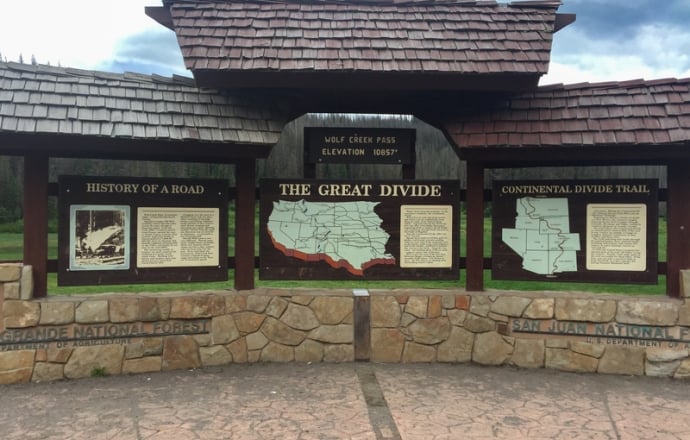
| Map pin and drive | Pagosa Springs is a drive destination; confirm the route to town, hot springs, trailheads, and Wolf Creek. |
| Host contact path | Know how questions are handled before and during the stay. |
Save screenshots or booking links only for your own planning. Platform inventory, terms, and totals are not permanent facts for a travel guide.
What platform listings are good for
Both platforms make it easy to browse availability, photos, amenities, and guest feedback across many homes. They can be especially useful when your group has not settled on a neighborhood, home size, or trip format.
When a listing matters to you, slow down. Read the most recent property details, confirm the calendar, and use the platform’s current help and protection information for any question about payment or cancellation. If a home is listed on more than one channel, do not assume the terms match without checking the final screen on each one.
When to check a direct booking page
If a property has an official booking site, compare it with the platform listing using the same conditions. A direct site should show current availability, the complete total, and the applicable cancellation terms before confirmation. It may also provide a direct route to ask the host property-specific questions.
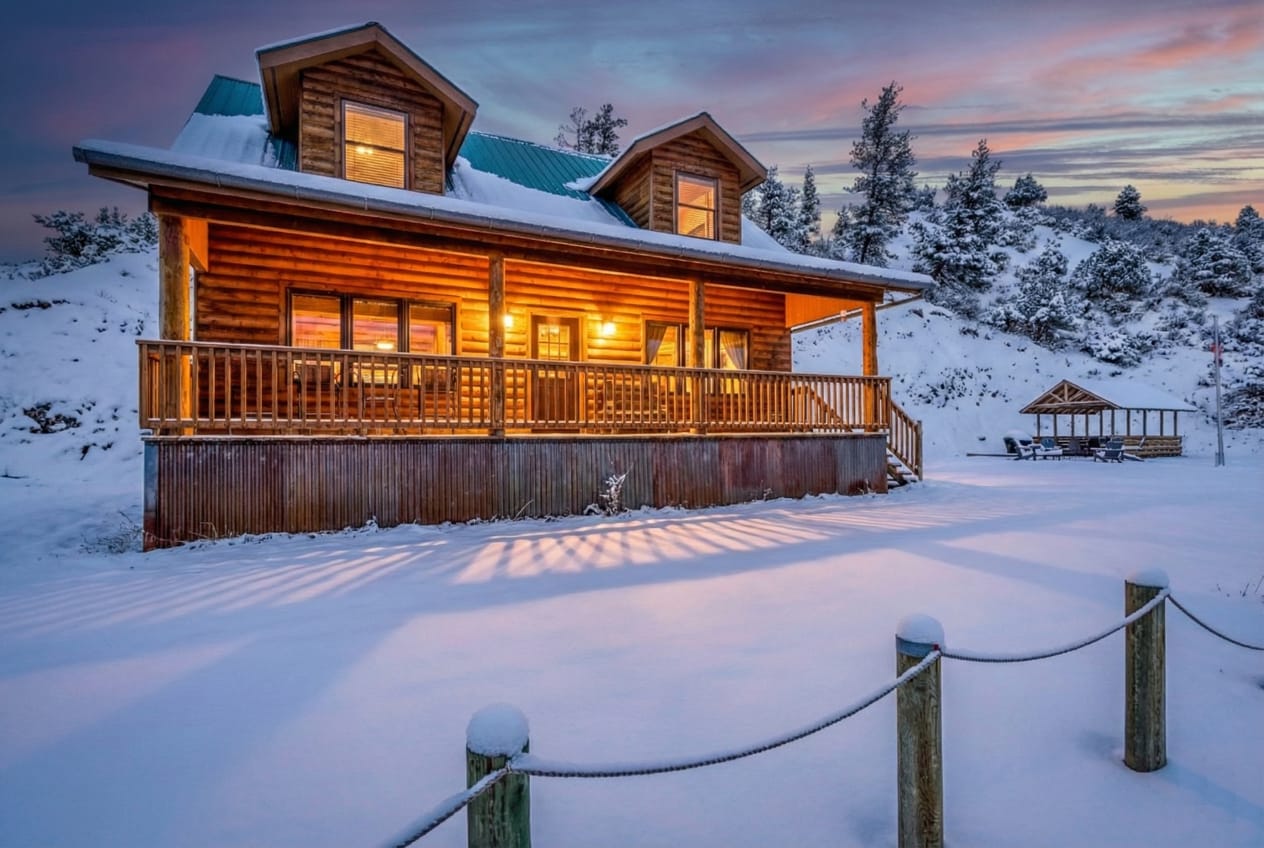
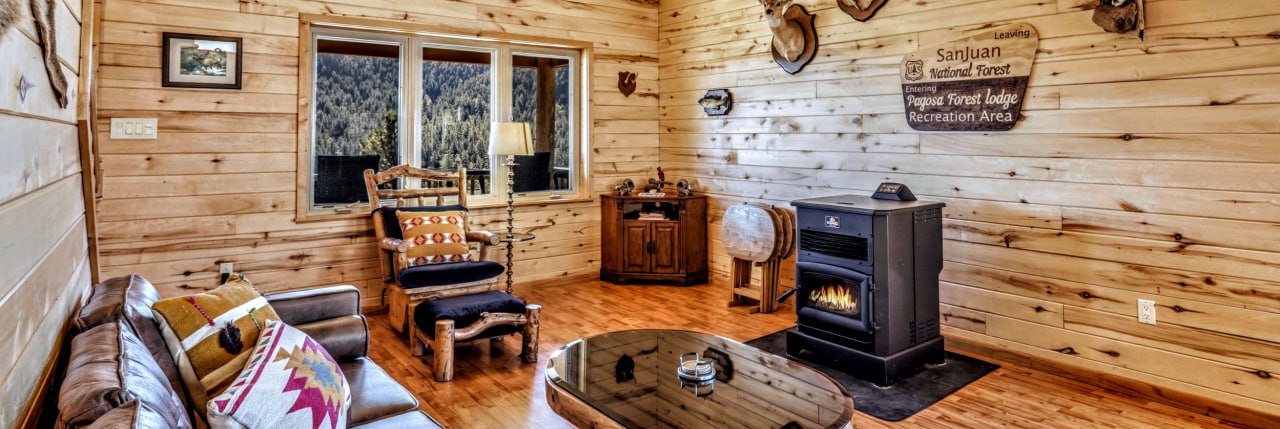
For Pagosa Forest Lodge, live availability and the secure checkout are available on the official site. The property is a 4-bedroom, 3-bath cabin for up to 8 guests outside town; review the layout and location before deciding whether that setting fits your trip.
A practical Pagosa Springs checklist
- Decide whether your stay is town-focused, hot-springs-focused, ski-focused, or outdoors-first.
- Map the exact property to the places you plan to visit.
- Compare bed layout and bathrooms before comparing photos.
- Read the complete total and cancellation terms for the exact dates.
- Confirm all pet, parking, access, and amenity questions before payment.
- For winter travel, check current road and ski operations with COtrip and Wolf Creek Ski Area.
The best channel is the one that gives your group a suitable property, clear terms, and a reservation you understand before you confirm it.